Two-Factor Authentication Steps
As part of ISO 27001 compliance, a two-factor authentication process has been implemented for logging into the PUSULA Information System.
With the integrated two-factor authentication system, a new verification code is generated daily. This code will remain valid throughout the day as long as you continue accessing the system using the same browser.
If you change your browser, a new verification code must be generated.
Two-Factor Authentication Steps
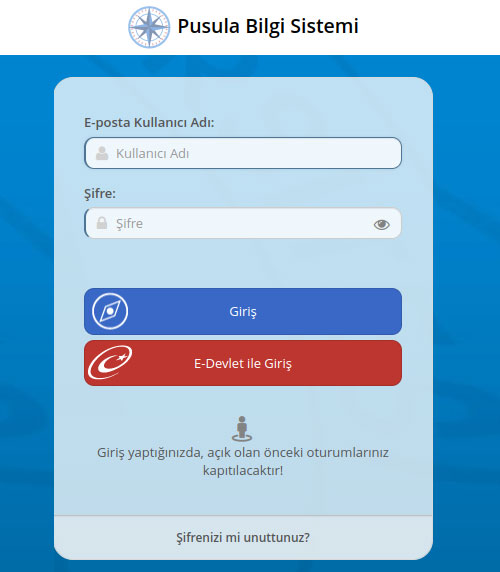
After entering your username and password, click the Login button.
| Authentication with the Mobile Application |
Authentication via SMS |
|
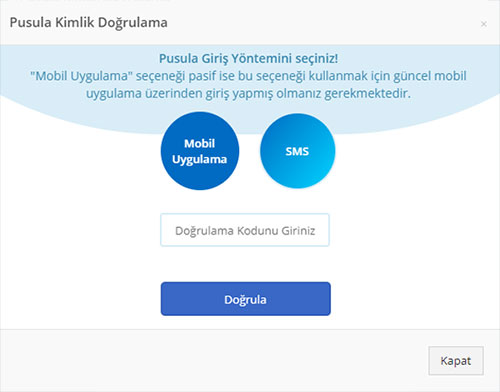
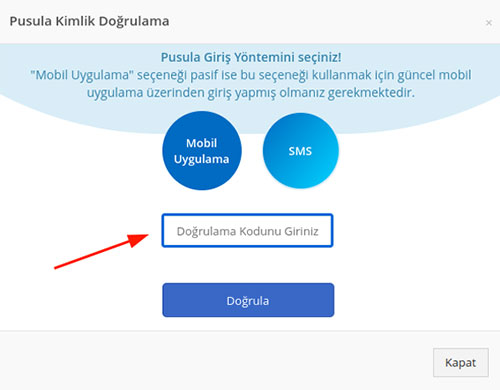
For mobile authentication, click the “Mobile Application” button.
|
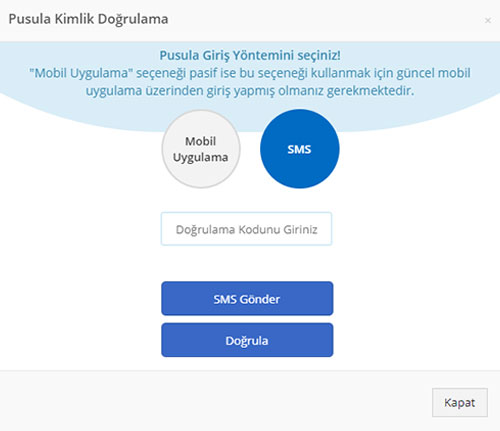
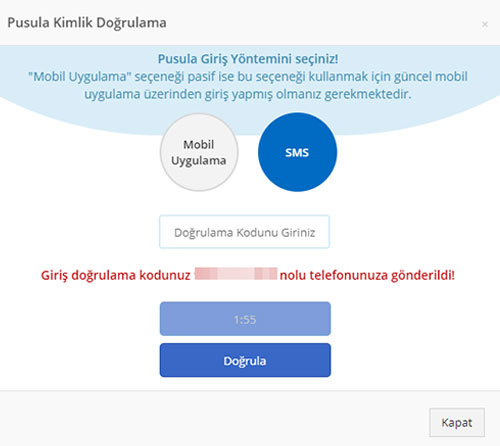
For SMS authentication, click the “SMS” button and then the “Send SMS” button respectively.
|
|
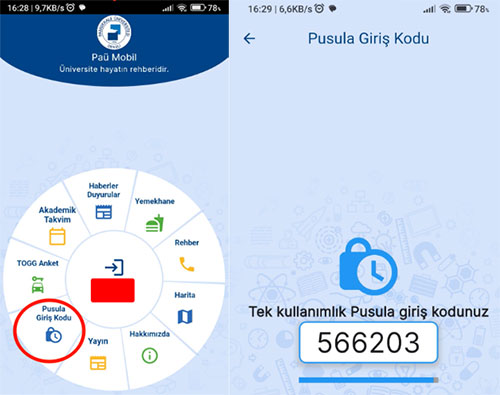
Open the “Pusula Login Code” menu in your PAÜ Mobile application.
|
Enter the code sent to your mobile phone via SMS into the designated field within the specified time, then click the “Verify” button.
|
|
Enter the “One-Time Pusula Login Code” generated in your mobile application into the field shown on the screen, then click the “Verify” button.
|
|